


EN
Are you ready for the next generation of scheduling for primary and upper secondary schools? Then Meitner Schedule is for you.

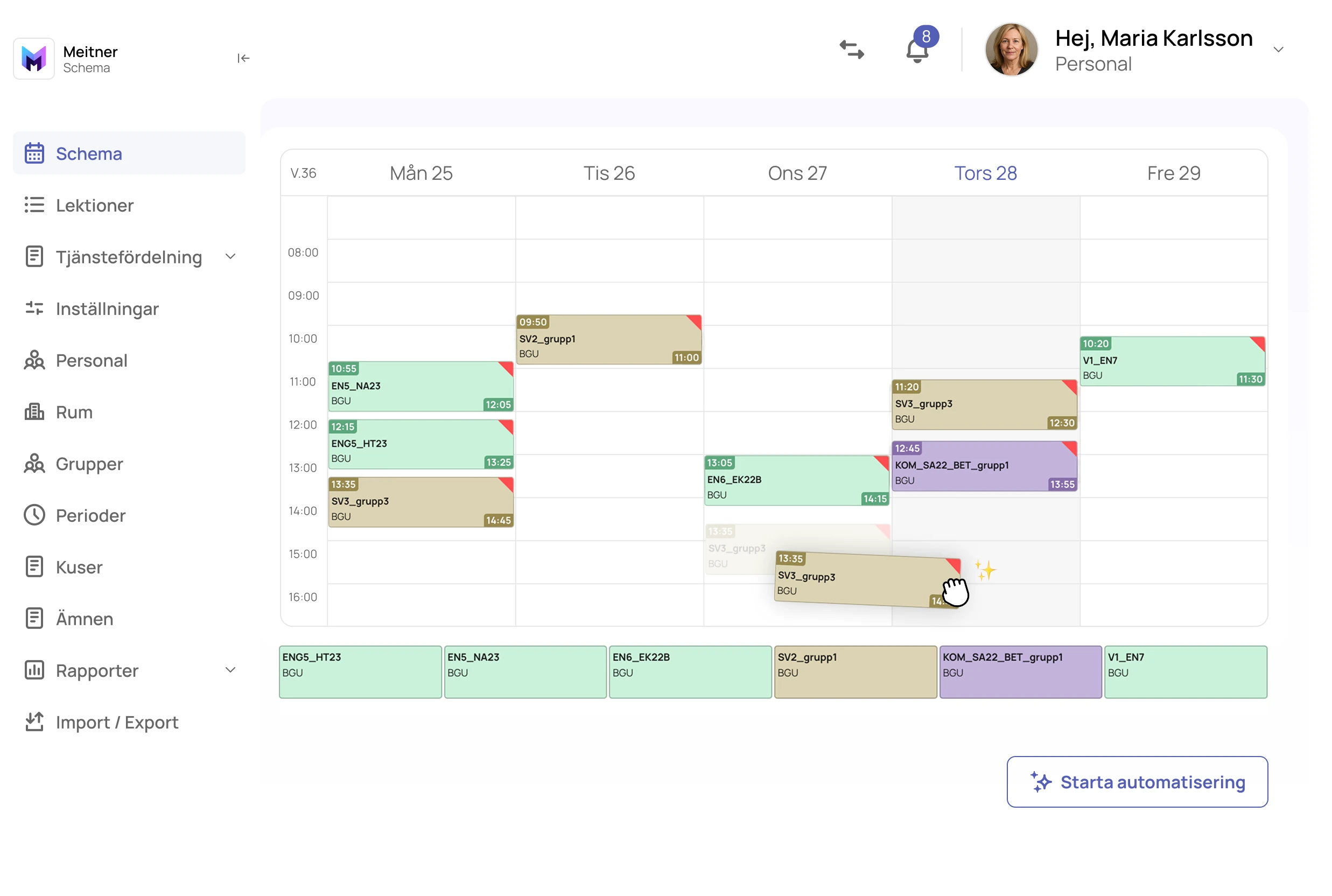
It has never been easier to create a schedule.
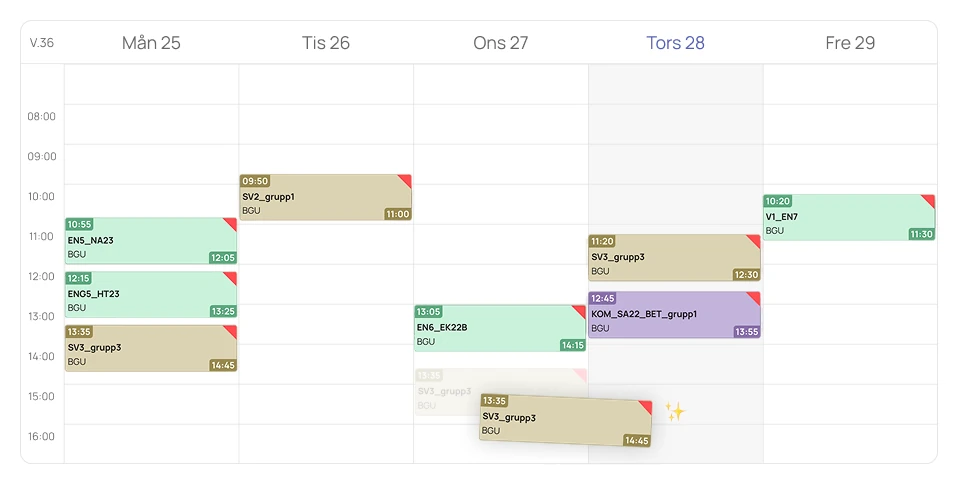

Start by importing the time allocation plans
Let the system generate the lessons for you
Start the automatic scheduling
Review and publish the school’s schedule.
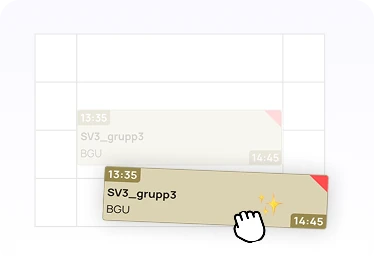
Meitner Schedule is web-based and easy to work in. Drag-and-drop provides instant feedback and highlights conflicts immediately. Tables can be filtered and sorted just like in Excel, and you manage planning, care hours, activities, and communication with guardians all within the same platform.
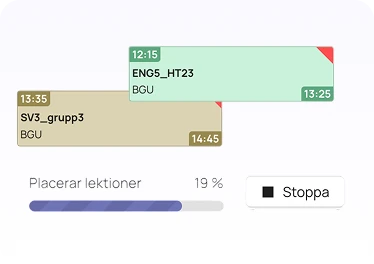
Meitner Schedule places lessons automatically and avoids conflicts. The system takes break-requirements into account and assigns rooms based on needs such as sports, theory, and science labs.
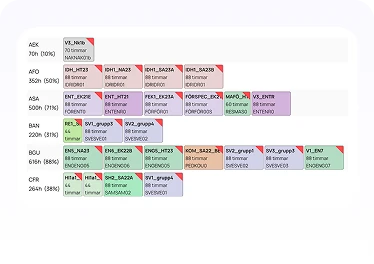
Distribute workloads easily with drag-and-drop. The system alerts you if a teacher lacks qualifications or is assigned too much work. Workload distribution can also be automated.
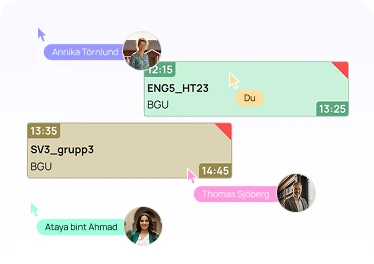
Meitner Schedule updates in real time and keeps all windows synchronized without reloading. You manage planning, care hours, and activities smoothly and communicate easily with guardians in a modern school platform.
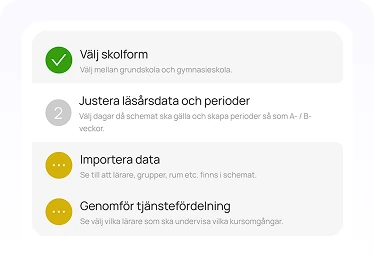
Meitner Schedule guides you step by step from data import to schedule publication. Customised help texts make it easy to switch from other systems, such as Skola24.
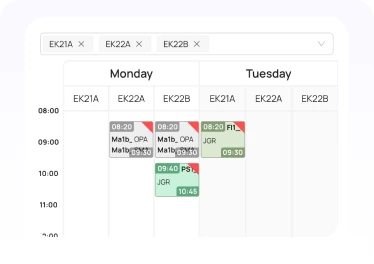
Display multiple schedules at the same time, either side by side or in separate windows. Choose between school year, term, or specific weeks to get exactly the overview you need.